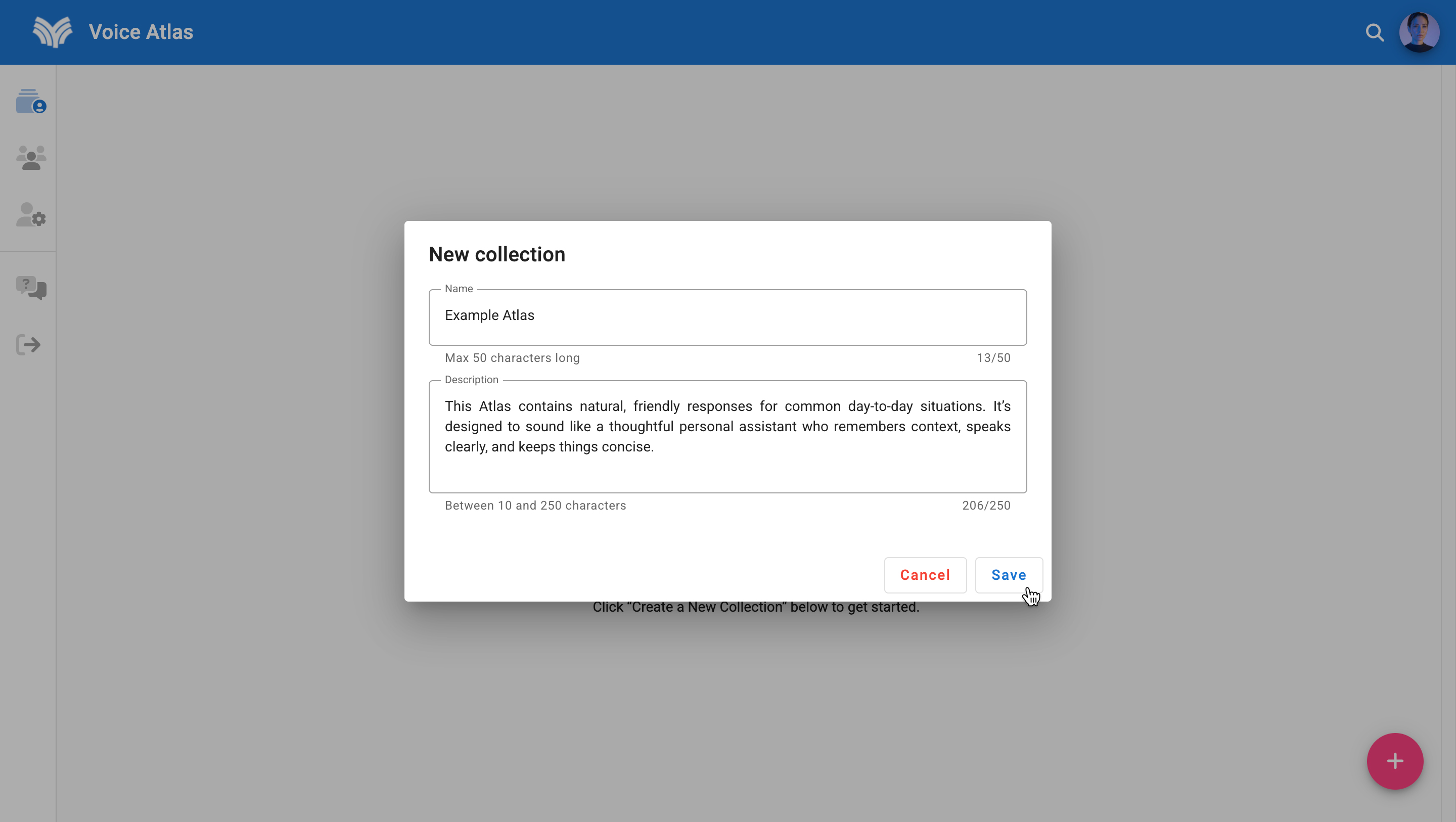
Create a New Atlas
Each Atlas you create appears in the My Atlas home feed. Follow the steps below to set one up from scratch.
Step-by-Step
- Sign in to the Voice Atlas web app.
- Select the pink plus (+) button in the lower-right corner of your My Atlas home feed.
- Enter the required title and description.
- Click Save to create the Atlas.
- Add FAQ items and other content types to populate the Atlas, then iterate using the Atlas Playground.
🏷️ Naming made easy
Choose a clear naming pattern (for example Product > Region > Audience) before you create multiple Atlases. Consistent names make it easier for collegues—and future integrations—to find the right workspace.