

Edit an Atlas
Update Atlas details whenever you need to refresh information.
Step-by-Step
- Sign in to the Voice Atlas web app.
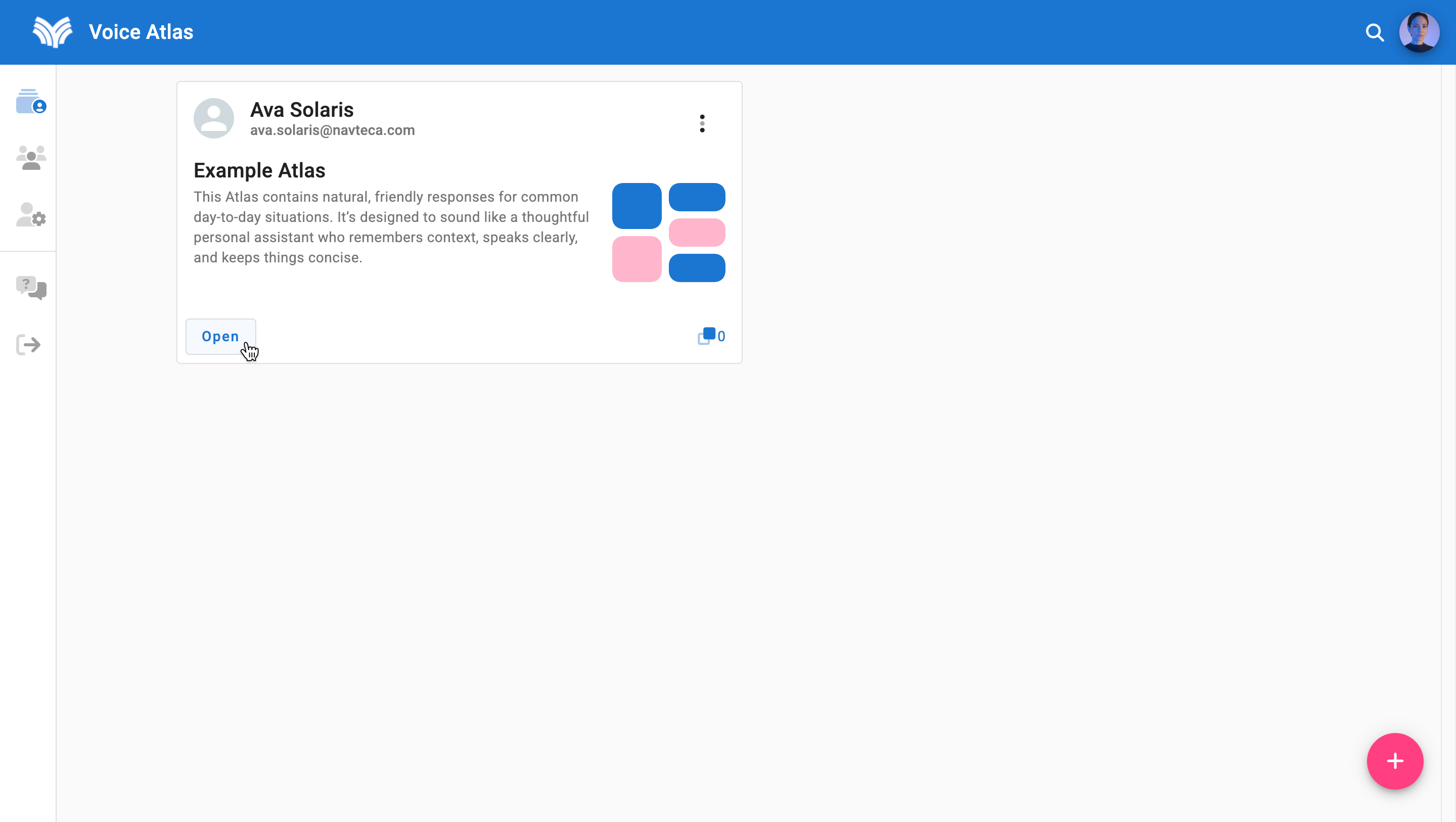
- Open the Atlas you want to modify from the My Atlas feed by clicking the "Open" button.
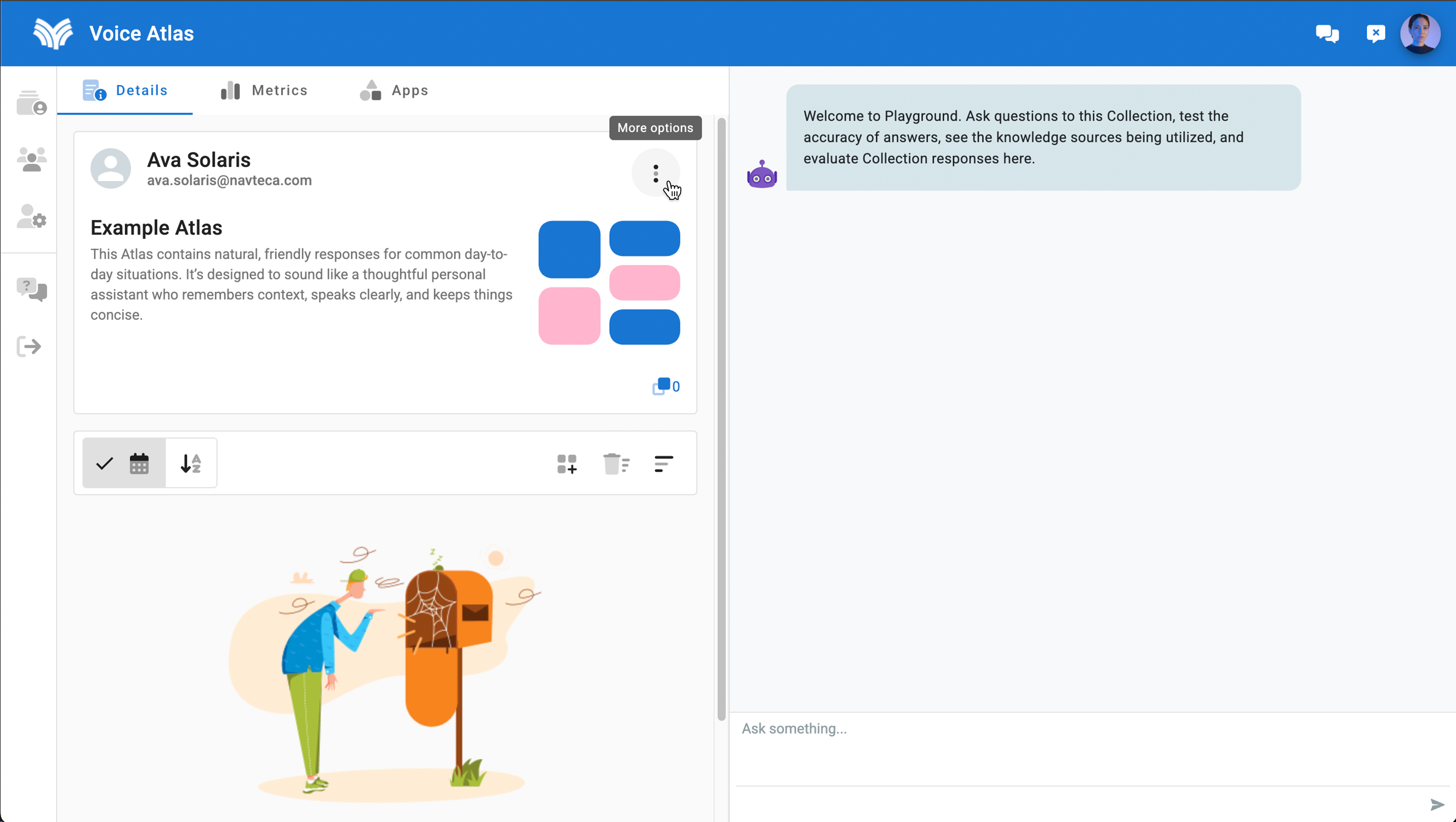
- Select the More Options menu (three vertical dots).
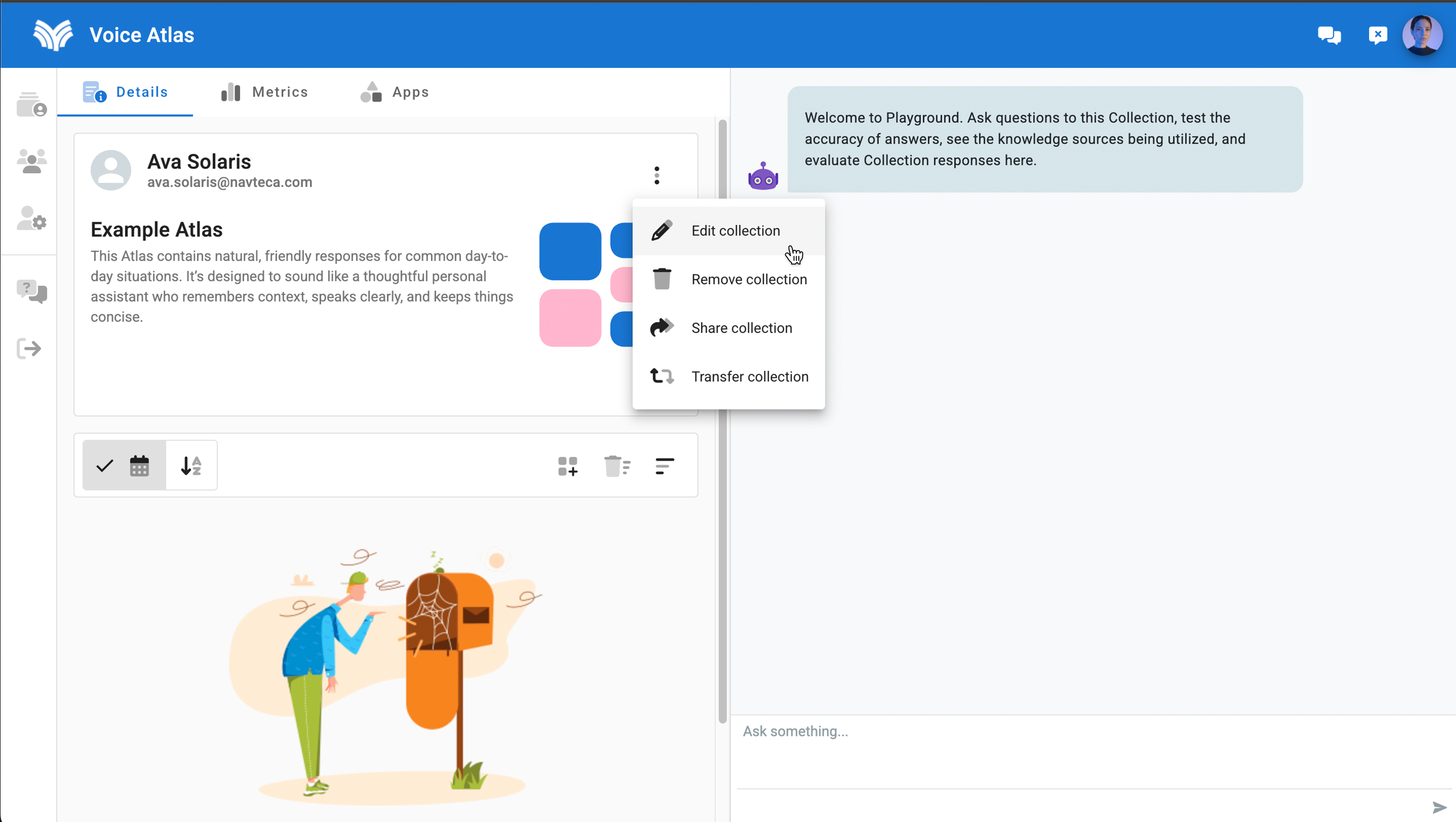
- Choose the pencil icon from the dropdown labeled Edit Collection.
- Update the title or description.
- Click Save to keep the changes, or Cancel to discard them.
Remember to revisit the content items as part of your update.
Visit Adding Content Items to an Atlas for guidance on refreshing the content layer.